Changelog

New features, improvements, and updates to AI Novel Translation.

Remove Erroneous Special Characters in Small Population of EPUBs

  • Resolved an occasional special character issue in translated EPUBs - In a small subset of translated EPUBs, certain readers were displaying unintelligible characters instead of the punctuation and special characters they were supposed to represent. Most EPUBs and most readers were unaffected, but newly translated EPUBs will now render cleanly everywhere.

Chapter Translations Survive Refreshes and Disconnects

  • Pick up chapter translations right where you left off - If you refresh the page, close the tab, or lose your internet connection mid-translation, the translation keeps running on our servers. When you come back to the chapter, the live progress reconnects automatically — including any glossary or edit review steps that were in flight. Just like batch translations have always worked, individual chapter translations now do too. One less reason to worry when Wi-Fi flakes or a tab gets closed by accident. Note: to prevent "zombie" translations, chapter translations will terminate 2 days after starting at the latest. If you need to extend the lifespan, we recommend starting a new translation.

More Language Support: Thai, Ukrainian, Hungarian

  • Thai, Ukrainian, and Hungarian added as supported target languages - Translations into Thai, Ukrainian, and Hungarian are now supported directly in the app. No longer a need to manually type them in.

Sturdier German Quotations and a Refreshed Batch Wizard

  • More reliable quotations across translation and editing for German - The improvements for quotation marks continue with improvements to make them more consistent in both the translation and editing steps.
  • Refreshed batch translation wizard - The batch translation wizard has an updated look and feel on both desktop and mobile. It also auto-selects and advances through steps where it safely can, so getting a batch started takes fewer clicks. As always, don't hesitate to reach out to support@ainoveltranslation.com if you have any questions or feedback!

Edit Suggestions Now in The Translated Language

  • Edit suggestions written in your translated language - When AI analyzes your translation for improvements, the suggested edits are now written in the translated language rather than usually appearing in English. This makes it easier to understand and apply suggestions in context for our global user base. As always, don't hesitate to reach out to support@ainoveltranslation.com if you have any questions or feedback!

Expanding Text Direction Support to DOCX

  • Automatic text direction in DOCX files - Similar to EPUB, when translating between right-to-left and left-to-right languages (e.g., Arabic to English or English to Hebrew), translated DOCX files now automatically update their text direction so they display correctly in Microsoft Word or Google Docs. This covers our supported languages (e.g., Arabic, Hebrew, Persian, and Urdu). If you need support for an additional language, just reach out.

Local Currency Support

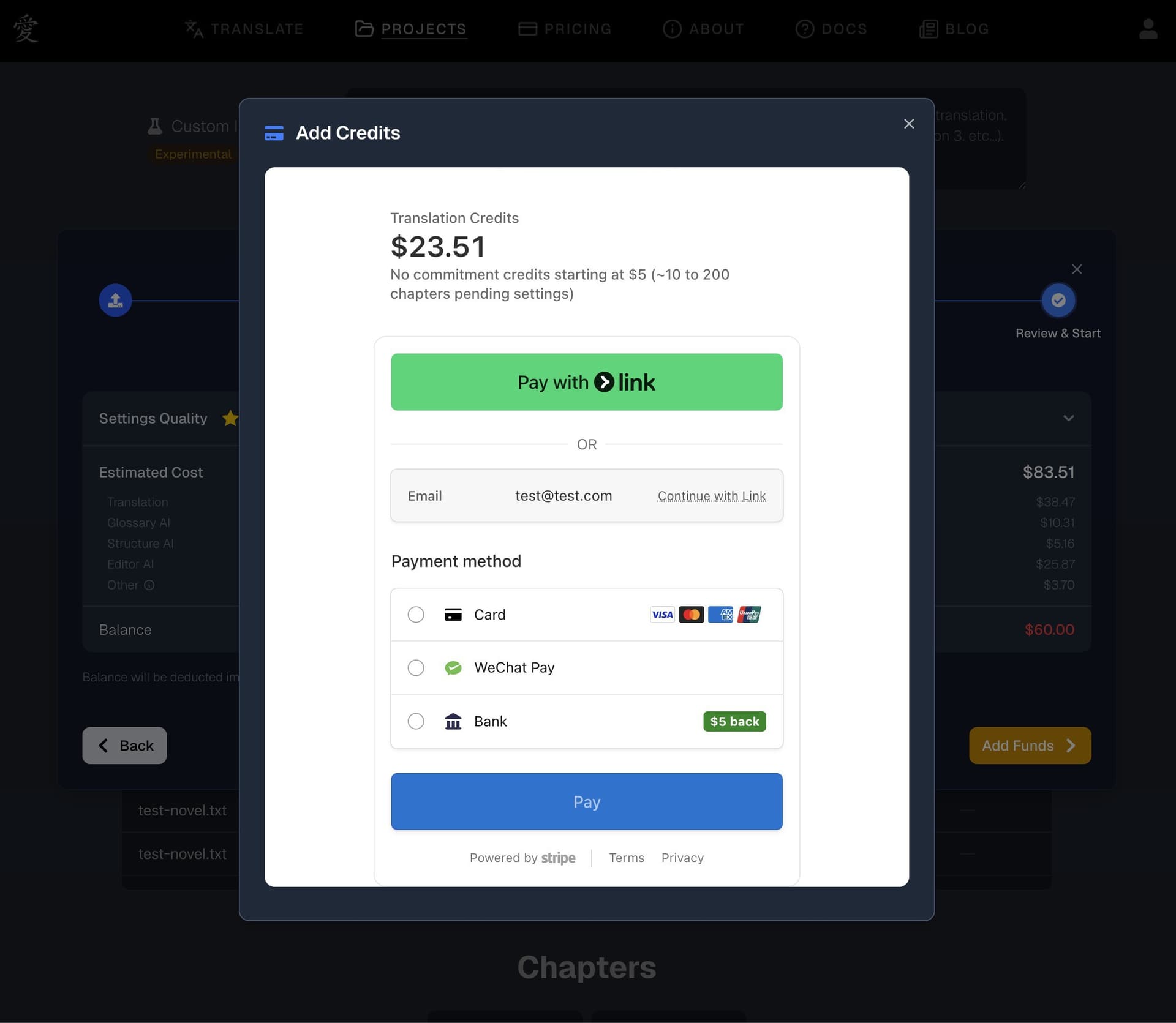
  • Local currency support for credit purchases - We've heard from translators, editors, readers, and authors around the world that they'd love to pay in their own currency. Now you can. When purchasing credits, the checkout experience automatically detects your location and presents pricing in your local currency — supporting 150+ currencies across the globe.

Projects Page Redesign

  • Redesigned projects page - We've given your projects page a fresh coat of paint. Step into a personal library of your translations — each project styled as its own book on the shelf, with color-coded language badges so you can spot your language pairs at a glance.

Projects page redesign

Smarter Glossary Generation

  • Glossary terms are reviewed for consistency as they're generated - When generating a glossary for a project, AI Novel Translation now periodically reviews newly generated terms against the terms it's already created. This catches inconsistencies that can happen across a long document — like the same character name being spelled slightly differently in chapter 1 vs. chapter 101. If a term is updated after review, it's flagged so you can see exactly what changed and why. We're particularly excited about this enhancement to one of our favorite features, Glossary AI, as it further pushes the boundaries on getting that "perfectly" consistent read while enabling your style to easily be reflected across novel-length translations. It's available today for both Batch and Chapter Translation.

Glossary review flagging