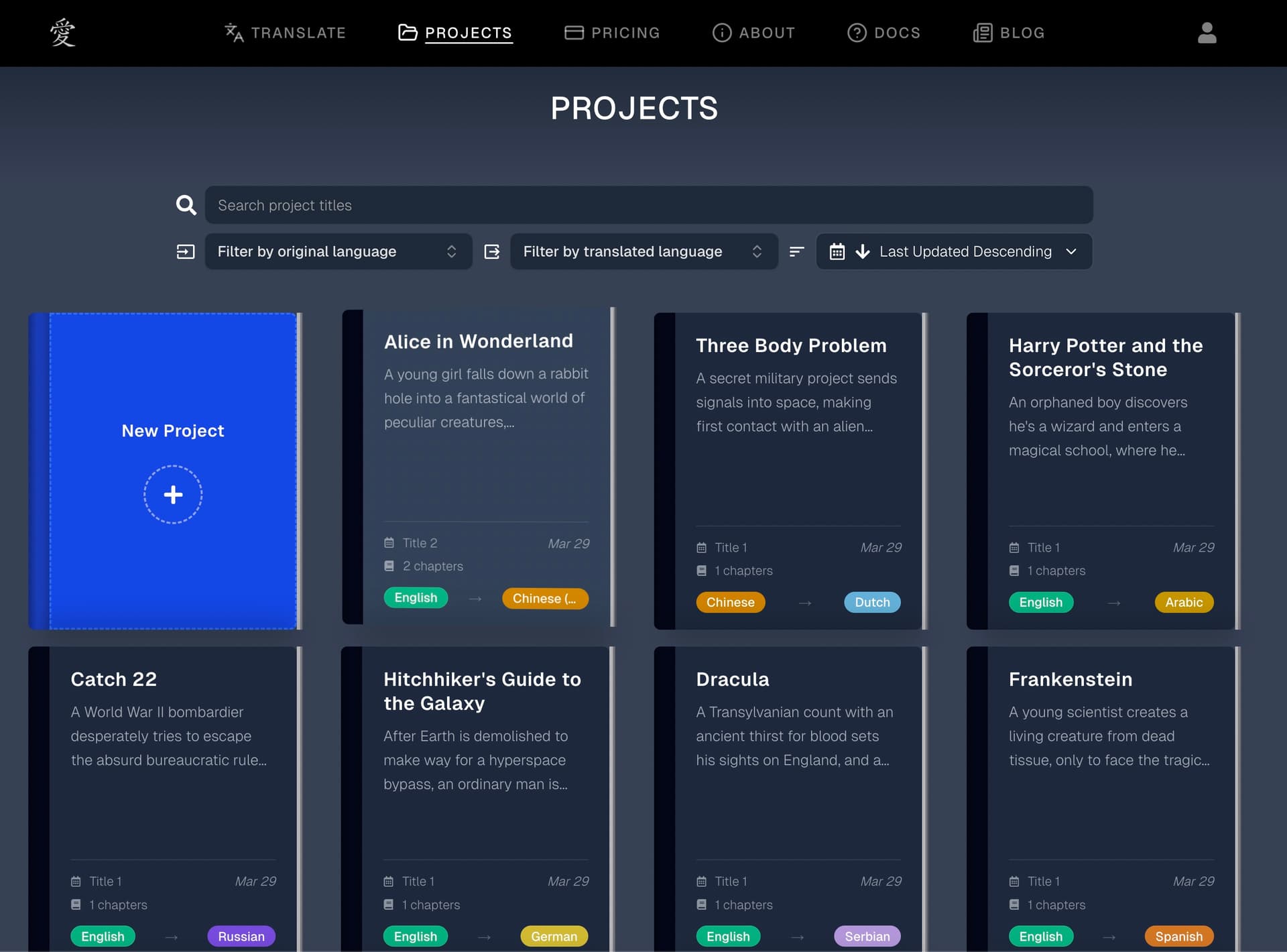
Changelog

New features, improvements, and updates to AI Novel Translation.

Smarter Language Pair Guidance & DOCX Fixes

  • Guided language pair best practices - Translations are most accurate when a project focuses on a single language pair, so we now guide you when changing languages on a project that already has translations. You'll see a clear explanation of why sticking to one pair matters, with the option to quickly create a new project for your next language — keeping your existing work intact and your translations consistent.

Language pair guidance

  • Improved DOCX batch translation reliability - Fixed issues where nested paragraphs and spacing could be lost during DOCX segmentation, and resolved a bug where track changes in DOCX files could cause corruption during batch translation.

Batch Translation Wizard Improvements

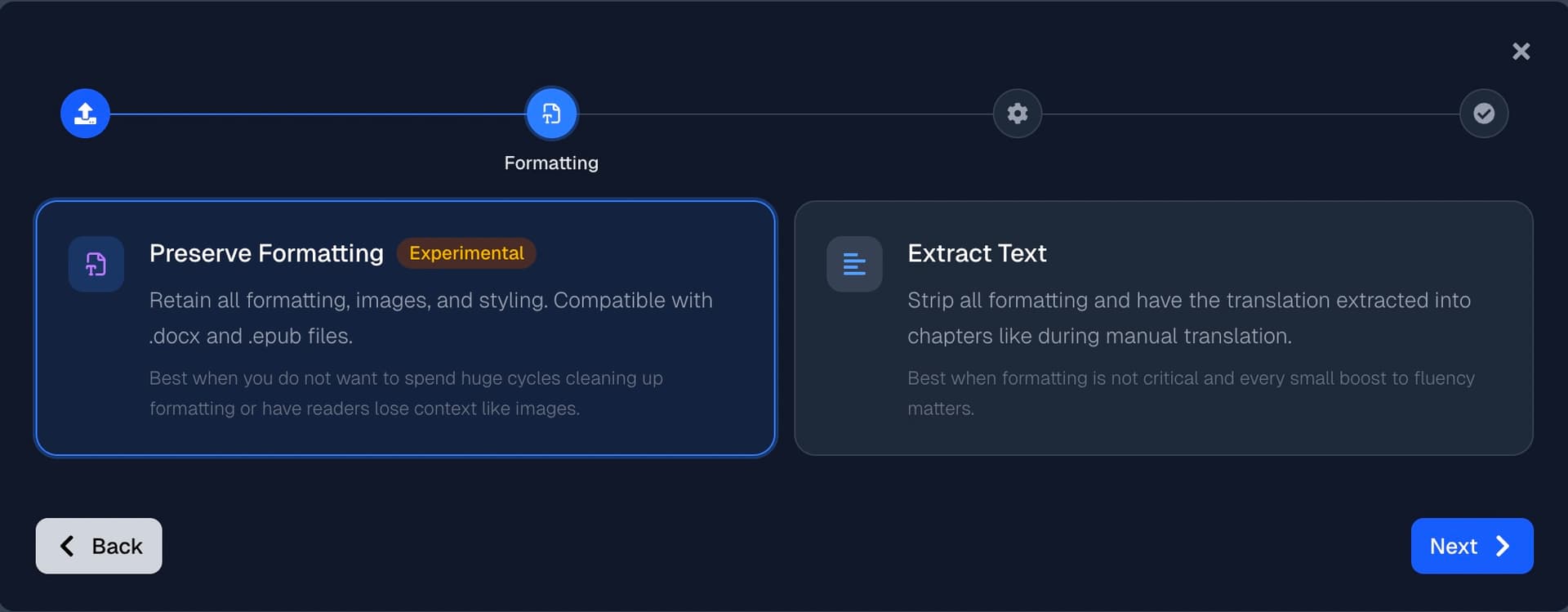
  • Choose your processing mode upfront - Based on your feedback, we moved the formatting vs. text extraction choice out of a crowded settings page and into its own dedicated step. When uploading DOCX or EPUB files, you'll now see a clear side-by-side comparison of each mode with descriptions of when to use them — no more hunting through options to find this critical setting.

Choose your processing mode

  • Fixed .txt file preview - Fixed an issue where text file previews in the batch wizard would ocassionally load improperly for .txt files.

  • Increased file upload limit - Raised the maximum file size for batch translation uploads, and added clearer error messaging when files exceed the limit.

  • Cost column in batch history - The batch translations table now shows the cost of each translation, so you can track your spending at a glance.

Batch cost column

Supervising AI Edits, Faster Chapters, & More

  • Review AI edit suggestions before they're applied - When translating a chapter, you can now see AI-suggested edits live and modify them before proceeding. Whether you're a translator, reader, editor, or writer — this puts you in even more control of your work, continuing our vision of empowering you to translate faster, cheaper, and more accurately, all on your own. Expect this to come to batch translation in the near future.

Review AI edit suggestions

  • Clearer translation progress - The translation process now shows improved status messages so you always know exactly which stage your chapter is in and how many stages remain.

  • History mode retired - We've retired history mode in favor of a simpler approach favored by 99+% of users: each chapter always stores the latest version of your translation. Re-translate anytime and your chapter updates automatically — as always, and unlike other tools, stored at no extra cost to you.

  • 50%+ faster chapter loading - We completely reworked how chapter data is loaded. Everything you need now comes 75+% faster.


Have feedback on the new editing review or anything else? We'd love to hear from you — reach out at support@ainoveltranslation.com.

Glossing Up the Glossary

  • Smarter glossary imports - When importing a CSV in append mode, the system now automatically detects and skips duplicate terms instead of creating copies as well as calls out terms that are updated for gender. After importing, you'll see a clear summary of how many terms were imported, skipped, or updated.

  • Refreshed delete button - A small change, but a frequently requested tweak. The glossary delete button has been updated with a cleaner look that fits the rest of the interface.

  • Case-insensitive sorting - Glossary columns now sort terms regardless of capitalization, so "apple" and "Apple" appear next to each other instead of being separated.

Glossary Speed Boost & Browser Fixes

  • Glossary review speed boost - Based on your feedback, we made the glossary review step much faster. When no new terms are found during glossary review, the system now automatically skips ahead to the translation step much faster. This means less waiting and fewer unnecessary clicks when you're working through chapters that share similar terminology.

  • Browser translation compatibility fix - We resolved an issue where browser-based translation tools like Google Translate could interfere with the site. If you previously noticed glitches when using browser translators alongside AI Novel Translation, those should now be completely resolved.

Site Performance & Batch Upload Improvements

  • Site performance - We upgraded our underlying site frameworks, resulting in noticeably faster page loads and quicker translations across the board. Whether you're navigating between projects or waiting for a translation to complete, we're continuing to make things snappier.

  • Batch translation: Upload improvements - We extended our file upload support to handle .docx and .epub files saved in older or non-standard formats.

Translation Quality Improvements

  • Translation quality improvements - We upgraded the underlying AI models powering your translations, resulting in more natural and accurate output across all supported languages.

Grammar Translation Improvements

  • Grammar translation improvements - We made targeted improvements to how grammar and punctuation are handled when translating to and from Spanish languages. You should see more consistent use of punctuation marks and sentence structure. These changes lead to translations that read more naturally and require less manual editing.

Batch DOCX & EPUB Improvements

  • Batch translation: DOCX and EPUB improvements - Improved reliability of text extraction and output format adjustments in languages like Japanese when format is preserved during Batch Translation.