Docs
Key Concepts
Before diving in, here's how AI Novel Translation organizes your work.
Projects
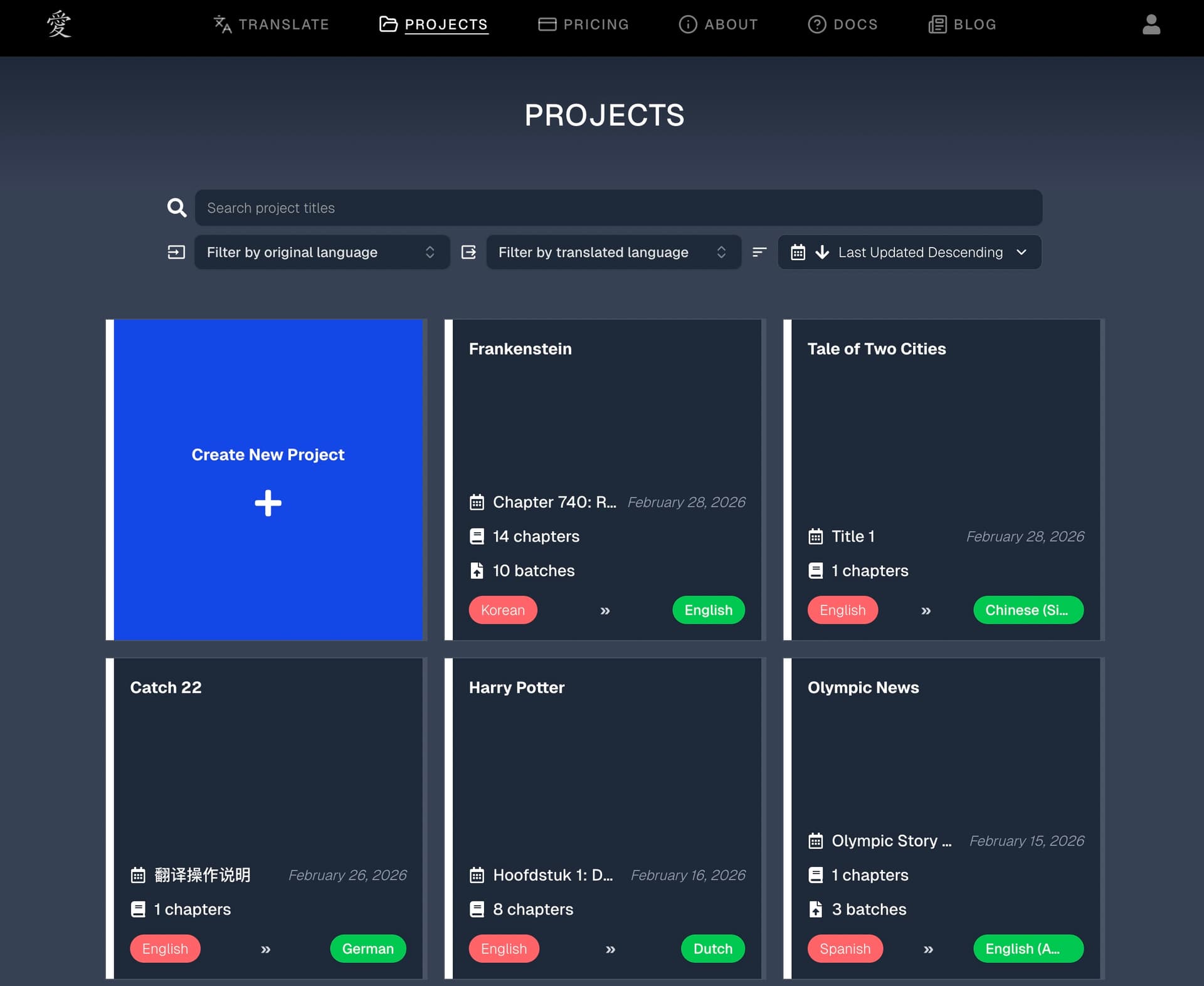
A project is your top-level container. Think of it as a book or document you're translating.
Each project has:
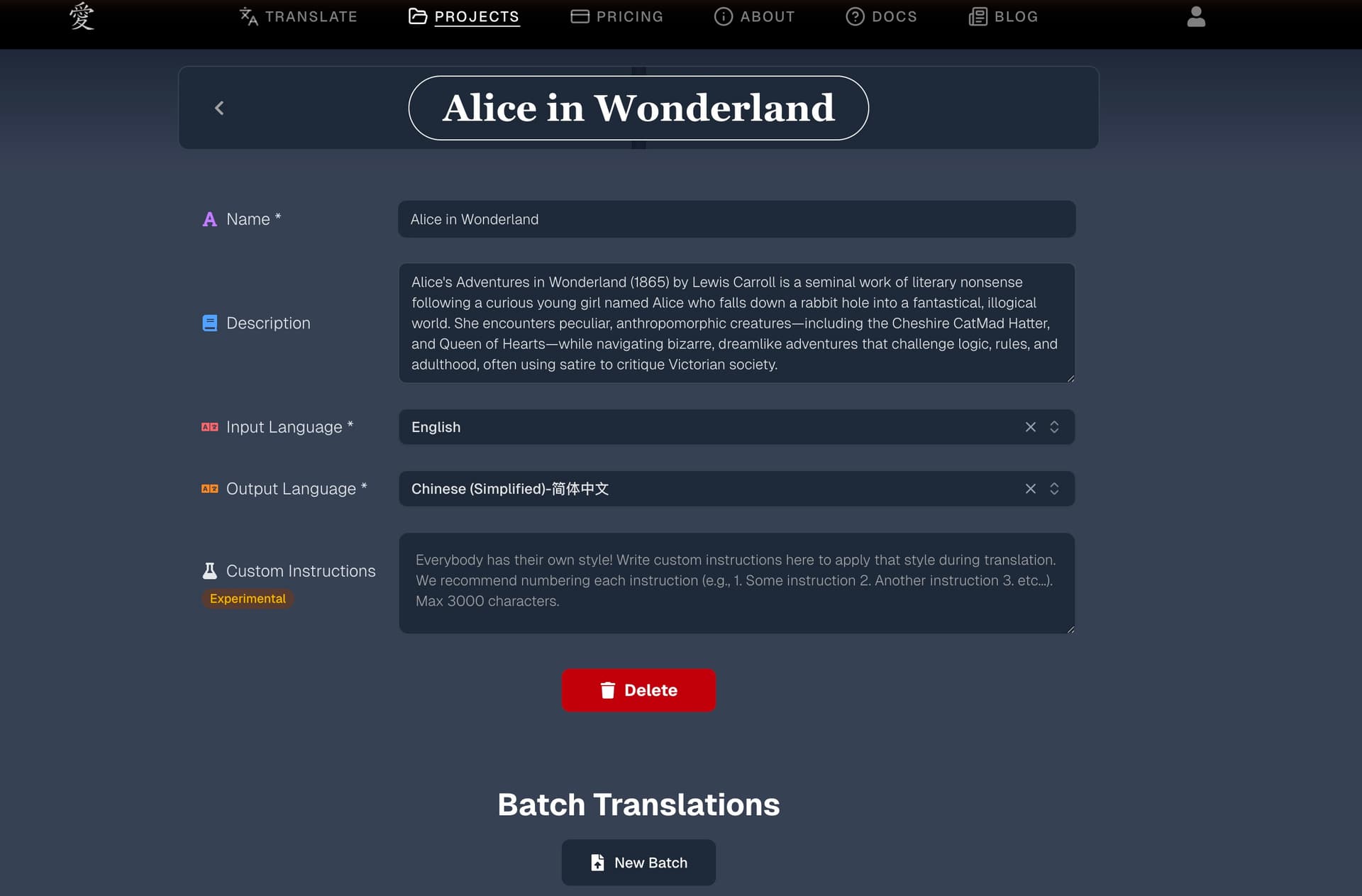
- A name and optional description
- A language pair (e.g., Korean to English) — set once when you create the project
- Custom instructions that apply to all translations within the project
- A glossary of terms specific to this project
- One or more chapters (individual translations)
- Zero or more batch translations (file-level translations)
When to create a new project: Create one project per book, document, or body of work. All chapters and glossary terms within a project share the same language pair and custom instructions, which keeps translations consistent. Avoid mixing different language pairs within a single project — this will lead to unexpected results.
Chapters
A chapter is a single translation unit within a project. It contains:
- The original source text
- The translated output
- A summary (auto-generated)
- Other info like cost, chapter name, and more
Chapters are created in two ways:
- Manually — Paste text into the chapter translation interface and hit the big blue Translate button
- Via batch translation — Hit the Batch button, upload a document, and the system automatically splits it into chapters
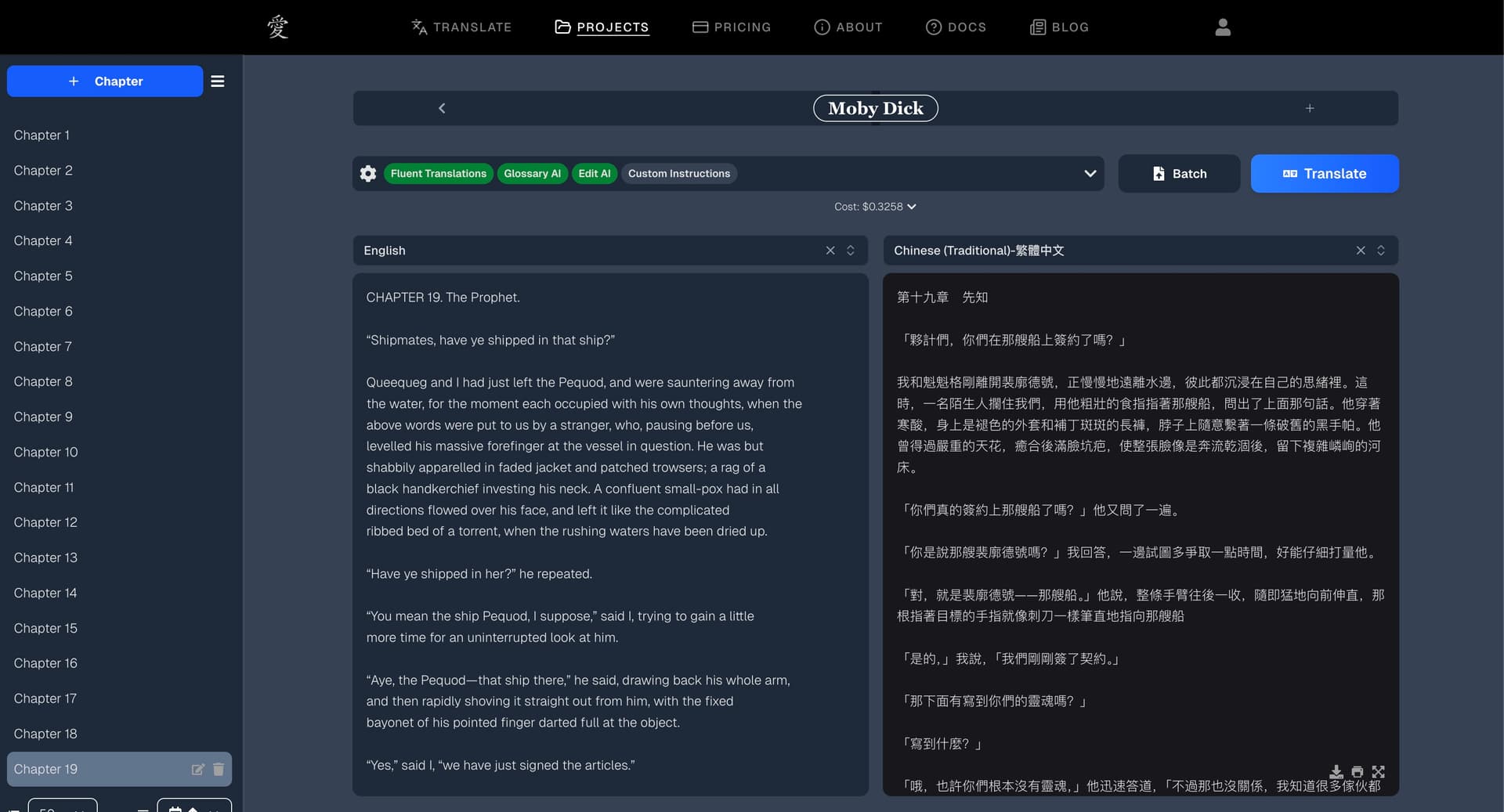
Chapters within a project build on each other. When you translate Chapter 3, the system is aware of the context from Chapters 1 and 2, which helps maintain consistency in character names, tone, and style across the entire work.
See the Chapter Translation guide for a full walkthrough of settings and the translation pipeline.
Batch Translations
A batch translation is a document-level job. Instead of pasting text chapter by chapter, you upload an entire file (DOCX, EPUB, or TXT) and the system processes the whole thing.
Batch translations can run in two modes:
- Text Extraction — Strips formatting and splits the document into chapters (like doing chapter translation automatically)
- Format Preservation — Keeps the original formatting, images, and styling intact and gives you back a translated file
See the Batch Translation guide for details on when to use each mode.
A Typical Workflow
- Create a project with your language pair
- Translate a sample chapter to test quality and refine custom instructions
- Build up your glossary — Glossary AI handles most of it, but you can add/edit terms manually
- Use batch translation for the rest of the document once you're happy with the settings
- Review and export the completed chapters